Write from your own reading
Select folders as sources, and reports and reviews cite the papers you chose.
Import the papers you have already collected, then use them as evidence for reports, literature reviews and chat. No need to start again.
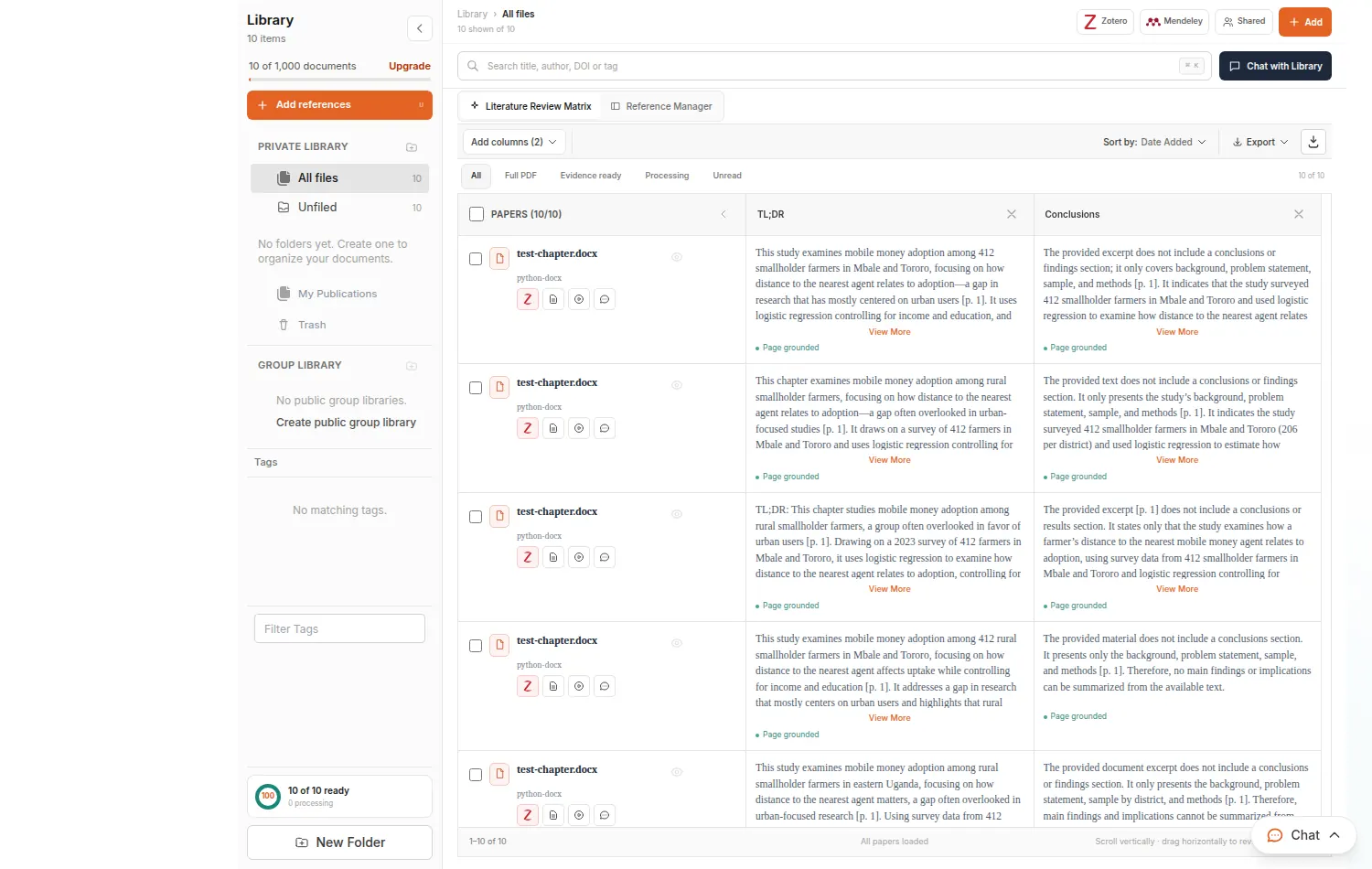
Select folders as sources, and reports and reviews cite the papers you chose.
Chat with a paper or a whole folder and get answers that cite the page.
Export references as BibTeX or RIS for EndNote, Zotero and Mendeley.
Click Zotero or Mendeley at the top of My Library and follow the steps.
Keep your papers in folders for each project or chapter.
Choose your folders as sources in research, writing and chat.
Choose My Library or Web + Library in Deep Research and the Studio, then select your folders.

Assignments, dissertations and theses, with sources you can open and check before you hand anything in.
Long chapters, proposals and defences, with your own papers as the evidence and a review before your supervisor sees it.
Manuscripts, grants and reviews, with checked references and reports you can share with co-authors.
No. Keep using them. Import what you want to work with here, and export references back as BibTeX or RIS.
PDF, DOCX, DOC, Markdown and text files. File size and upload limits depend on your plan.