See every change
Compare changes side by side and decide on each one.
Upload your Word file or PDF and say what you want: fix grammar, use an academic tone, apply your supervisor's comments. Accept or reject every change.
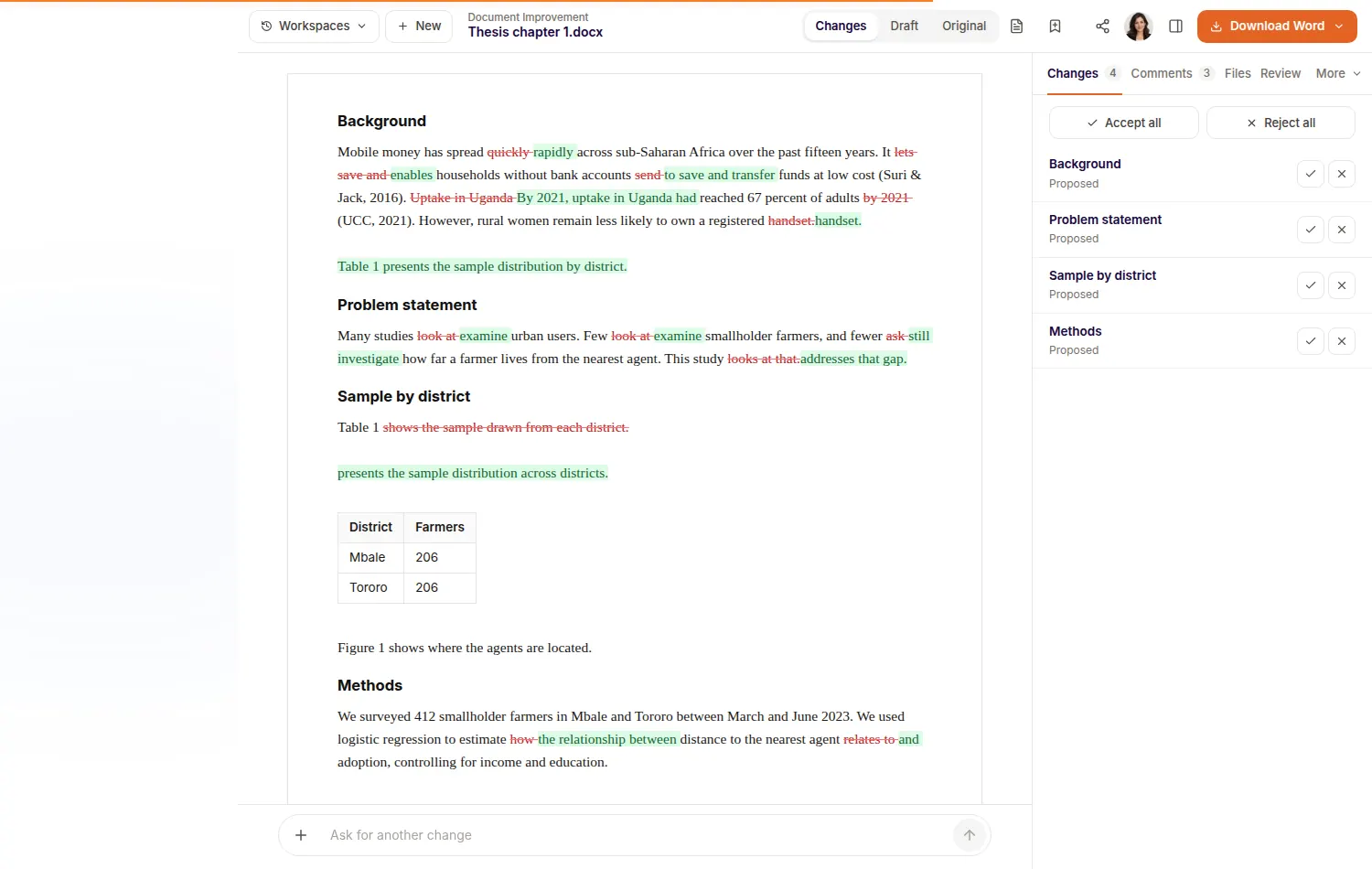
Compare changes side by side and decide on each one.
Download tracked changes into your own Word file, with headings, tables and figures in place.
It reads comments and tracked changes in your Word file and can apply them.
Word or PDF, up to 25 MB.
Fix grammar, change the tone, shorten a chapter or apply comments.
Accept what you like and download a clean or tracked Word file.
Choose a focused check: proofreading, tone, source quality or claim confidence. It adds comments and changes nothing until you say so.

Assignments, dissertations and theses, with sources you can open and check before you hand anything in.
Long chapters, proposals and defences, with your own papers as the evidence and a review before your supervisor sees it.
Manuscripts, grants and reviews, with checked references and reports you can share with co-authors.
It is asked not to, and you see every change first. Keep your own judgement on anything technical, and reject what you don't want.
Up to 25 MB and about 240,000 characters.
Word downloads go into your own file, with your headings, tables and figures kept.