Find it in the paper
Ask what a paper did, and go straight to the page that says so.
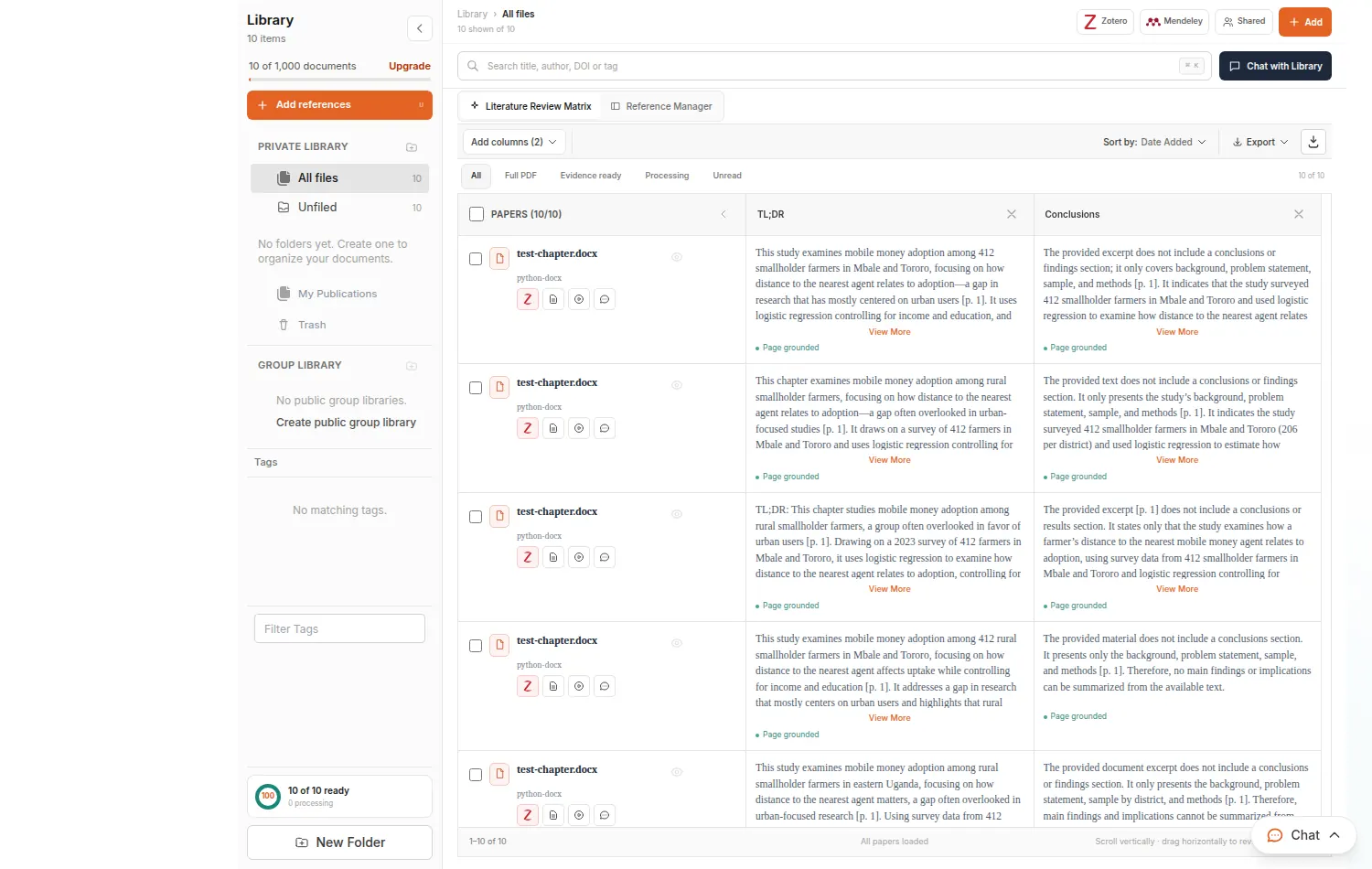
Ask a question of one paper or a whole folder. Answers come from your documents and cite the page, so you can check them in seconds.

Ask what a paper did, and go straight to the page that says so.
Summarise the introduction, methods, limitations and research gaps.
Compare what a whole folder of papers says about your question.
Upload a file, or pick a paper or folder from your Library.
Type it or use a quick action once the document shows Ready.
Open the cited page, and save useful answers to your notes.
Papers you upload stay in your Library, where every other tool can use them as evidence too.
Assignments, dissertations and theses, with sources you can open and check before you hand anything in.
Long chapters, proposals and defences, with your own papers as the evidence and a review before your supervisor sees it.
Manuscripts, grants and reviews, with checked references and reports you can share with co-authors.
PDF, DOCX, DOC, Markdown and text. Files are saved to your Library.
Yes. Choose Chat with entire folder. Question limits, uploads and folder chat depend on your plan.
Yes. Files you upload stay in your Library, where research and writing tools can use them as sources.